
Update your profile (name, avatar)
Your display name and avatar are visible to anyone who can see your activity in Forktastic — family group members, people who follow a public cookbook of yours, recipients of recipe shares. You can update them any time.
Open profile settings
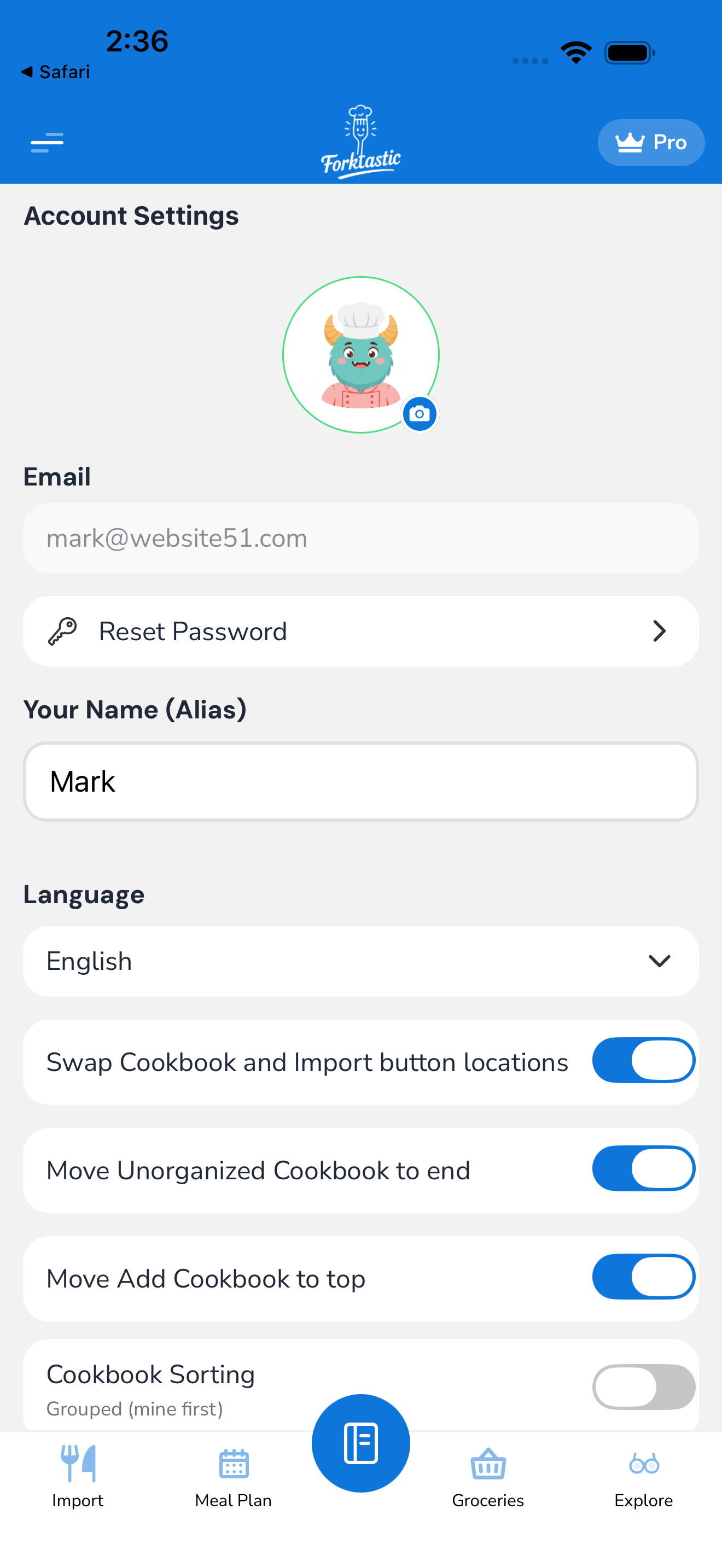
- Open Options tab.
- Tap Account settings.
- The top of the screen has your avatar and display name — tap either to edit.
Change your display name
- Tap your name.
- Type the new display name (max 50 characters).
- Tap Save.
The name updates immediately everywhere — family members see the new name next to your shared recipes, in the family activity feed, and on any public cookbooks you’ve published. If you’ve shared a public link to a recipe, viewers will see the new name on subsequent visits.
Change your avatar
-
Tap the avatar circle.
-
Choose:
- Take photo — opens camera
- Choose from library — browse your camera roll
- Pick an emoji — use a single emoji as your avatar
- Use initials — auto-generated initials from your display name with a color background
- Remove avatar — falls back to initials
-
If you picked a photo, crop and confirm.
-
Tap Save.
Avatars are stored at 200×200 pixels. Larger images are downscaled automatically. JPG, PNG, and HEIC supported.
What your profile is visible to
| Audience | Sees your name | Sees your avatar |
|---|---|---|
| You | Yes | Yes |
| Family members | Yes | Yes |
| Recipients of family-shared recipes | Yes (as “shared by …”) | Yes |
| Followers of public cookbooks you own | Yes | Yes |
| Anyone with a public link to your recipe | Yes (creator credit) | Yes |
| Forktastic itself (internal) | Yes | Yes |
| Other unrelated users | No | No |
Nobody else can see your email, sign-in method, subscription status, account-creation date, or anything else not on this list.
Email and contact info
Your email address is private to you and not part of your profile. It’s used for:
- Signing in
- Account recovery (password reset)
- Email family invites (your email is visible to whoever you invite by email; not to broader audiences)
- Forktastic transactional emails (welcome, payment receipts, security alerts)
To change your email, you’d need to update your account email — see Change your password and account email.
Profile preferences
Other things visible on the profile-adjacent section:
- Bio / about — optional public bio shown on your public cookbook profile pages. Visible only when you publish a public cookbook.
- Website — optional URL shown on your public profile.
These two only appear in the settings UI if you have at least one public cookbook (because they only matter then).
Privacy of metadata
Forktastic stores some additional account metadata that’s not visible to others:
- Account creation date
- Last sign-in timestamp
- Apple/Google sign-in identifiers (if you used social auth)
- Device list (for the security alerts feature)
You can review this metadata via Options → Account settings → Privacy → My data. See Settings overview for the broader privacy panel.