
Grocery list — overview
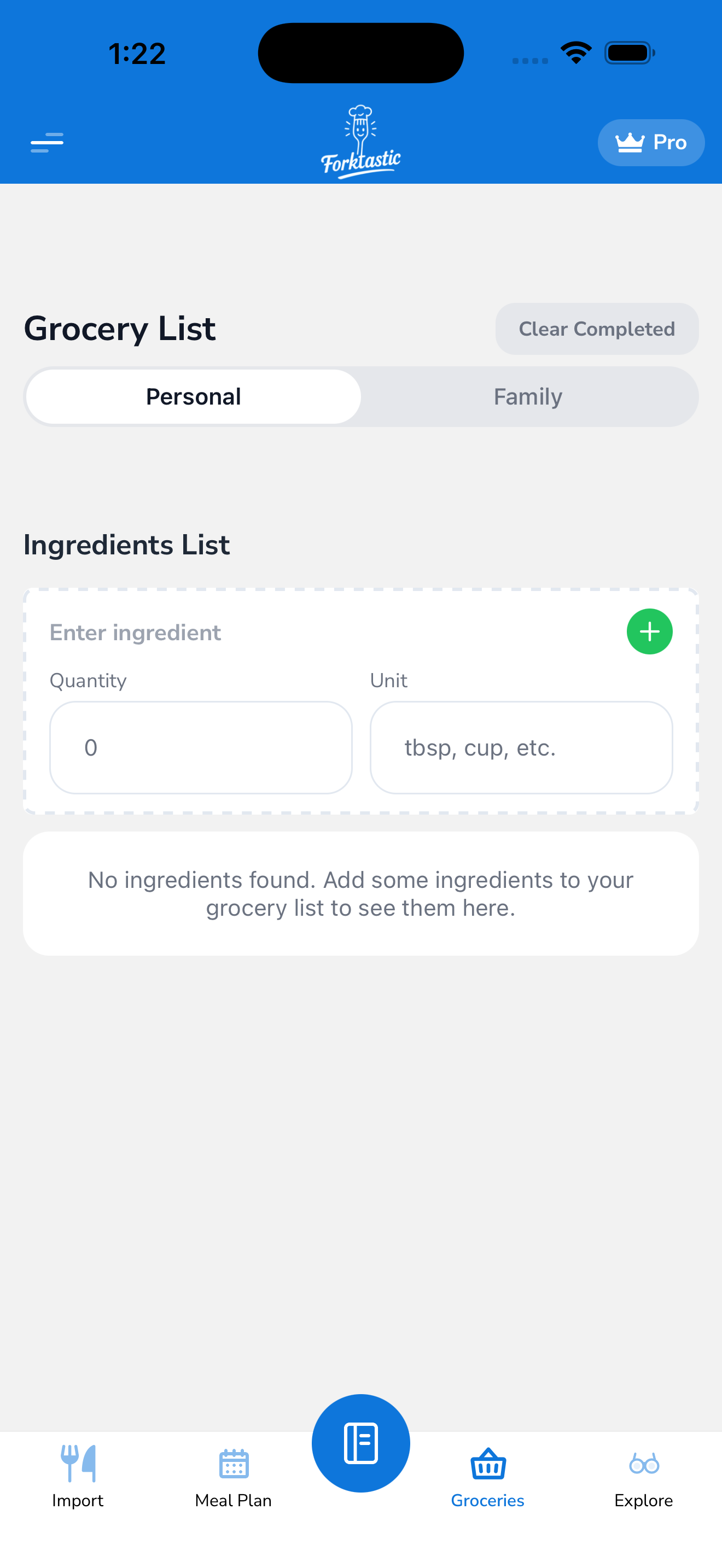
The Grocery tab is your active shopping list. You can add items by hand, pull ingredients straight from a recipe, or auto-populate the list from your weekly meal plan.
Coming in this section
- Add items manually — quick entry, units, categories
- Auto-populate from a recipe — one-tap “add ingredients to grocery list”
- Auto-populate from your meal plan — generate a list for an upcoming week
- Check items off as you shop — checked items stay visible or disappear (your choice)
- Remove a recipe from the list (and clean up its remaining items)
- Shop with Instacart — Forktastic’s Instacart integration to send your list to your nearest store
The Grocery tab is the fourth icon in the bottom bar.