
The family activity feed
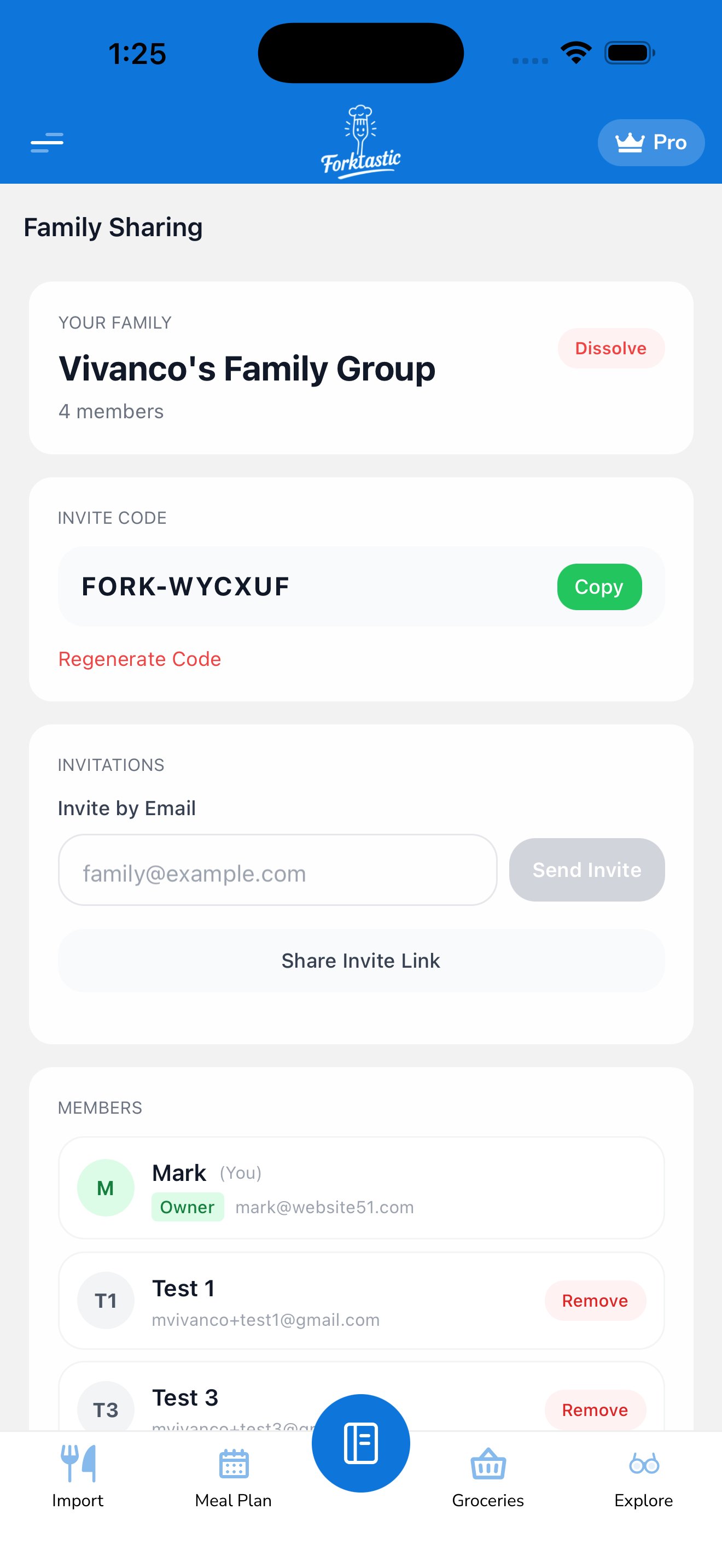
The family activity feed is a live timeline of what people in your family group are doing in Forktastic — recipes cooked, recipes added, cookbooks shared, ratings given. It shows up on the Family screen and gives you a casual, low-pressure view of what everyone’s eating without anyone having to send a message.
It’s also a useful trigger for “Hey, that pasta you cooked last night looked great, can I try it?” — without having to remember to ask.
What appears in the feed
The feed includes:
- 🍳 Cooked — someone started Cook Mode and finished a recipe. (“Sarah cooked Garlic Butter Pasta”)
- 📥 Added — someone imported a recipe into a shared cookbook. (“Mark added Tom Yum Soup to Weeknight Dinners”)
- 📚 Shared — someone shared a new cookbook or recipe with the family. (“Mom shared the cookbook Holiday Baking”)
- ⭐ Rated — someone gave a recipe a rating. (“Sarah gave Tom Yum Soup 5 stars”)
- 💬 Commented — if someone left a review/note on a shared recipe.
Events are ordered most-recent-first. The feed shows events from the last 30 days; older events are pruned automatically.
What doesn’t appear in the feed
To protect privacy, the feed never shows:
- What you’ve added to your grocery list
- What’s in your meal plan
- Recipes in cookbooks you haven’t shared
- Account-level changes (avatar updates, subscription changes, etc.)
If you cook a recipe from a private cookbook (not shared with the family), that cooking event also doesn’t appear in the feed.
Tapping an event
Tap any event to jump straight to the underlying content:
- Tap a cooked or added event → opens the recipe
- Tap a shared cookbook event → opens the cookbook
- Tap the family member’s avatar → opens their profile within the family (display name, member-since date)
Muting the feed for yourself
If you’d rather not have your own activity broadcast:
- Open the Family screen.
- Tap the Family settings icon (gear).
- Toggle Share my activity off.
Your own cooking/adding/sharing will no longer appear in the feed for other members. You’ll still see theirs.
Note: even with activity-sharing off, recipes and cookbooks you’ve explicitly shared remain visible. This toggle only suppresses the event notifications about your usage.
Hiding events from a specific member
If a particularly active family member is dominating your feed:
- Tap their avatar in the feed or member list.
- Tap Mute activity.
Their actions won’t appear in your feed (but their shared recipes still do, and they can still see your activity normally).
Notifications
By default, Forktastic doesn’t push-notify you for every family event — that would get noisy. You can opt into push notifications for specific event types in Options → Notification settings:
- “When a family member cooks one of my recipes”
- “When a family member shares a new cookbook”
- “When a family member rates one of my recipes”
See Manage notifications for the full notification options.
Related
- Share cookbooks and recipes with family — what triggers feed events
- Create a family group — start a family if you haven’t
- Cook Mode — what “cooked” means in feed events