
Import a recipe from a URL
The URL import is the fastest way to save a recipe you found online. Copy the link, paste it into Forktastic, and the AI handles the rest.
This method works with:
- Recipe sites (AllRecipes, Food Network, Bon Appétit, NYT Cooking, BBC Good Food, etc.)
- Food blogs (Smitten Kitchen, Half Baked Harvest, anywhere with a recipe)
- Social: TikTok, YouTube, Instagram, Pinterest, Facebook
- Article-style pages that mention a recipe in the middle
If your link is to a video and you’d like to watch it while extracting, see Import from a video — same underlying flow with a few video-specific notes.
Step by step
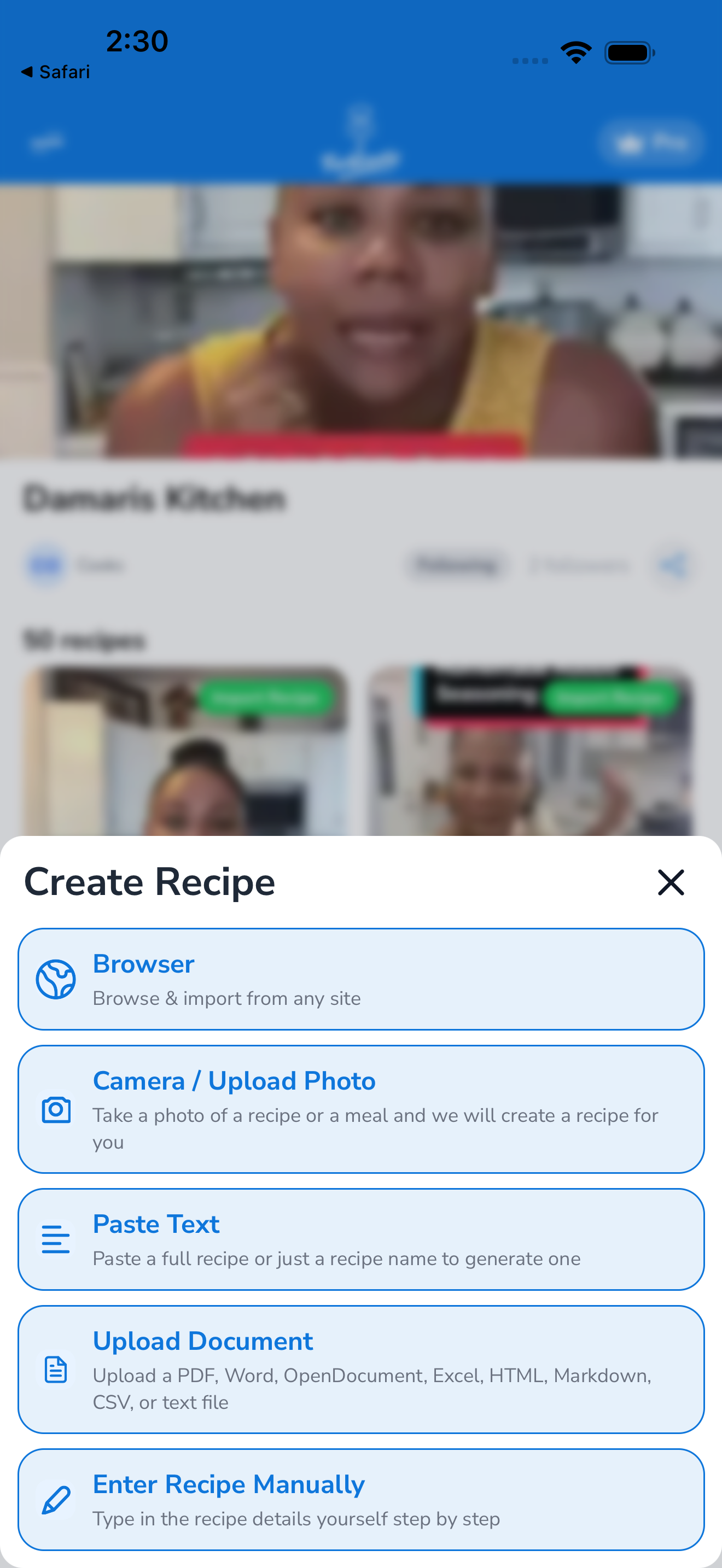
- Copy the recipe URL. From your browser’s address bar, or from the share sheet of any app (TikTok, Instagram, etc.) — choose Copy link.
- Open Forktastic. Tap the Import tab at the bottom.
- Tap “From URL”. A modal opens with a text field.
- Paste the URL. Long-press the field → Paste, or use the Paste button if your device offers one.
- Tap Import. Forktastic sends the URL to its extraction service.
- Wait 5–15 seconds. A loading indicator shows progress. Most extractions take under 10 seconds.
- Review the extracted recipe. You’ll see the title, ingredients, instructions, serving size, prep/cook time, and nutrition. Edit anything that looks wrong.
- Choose where to save it. Pick a cookbook (or leave it in Unorganized), and optionally assign categories.
- Tap Save. The recipe is now in your cookbook and synced across all your devices.
Using the iOS / Android share sheet
You don’t have to copy/paste — you can also share directly from another app:
- In TikTok, Instagram, Safari, or any app showing the recipe, tap the Share button.
- Find Forktastic in the share sheet.
- Tap it. Forktastic opens with the URL pre-filled.
- Tap Import.
This skips steps 1–4 from the manual flow above.
What works, what doesn’t
Reliably works:
- Any page with schema.org Recipe markup — most recipe sites
- Social posts with a caption that contains the full ingredients + instructions
- Blog posts where the recipe is in a recipe-card plugin (WP Recipe Maker, Tasty Recipes, etc.)
Sometimes works, sometimes doesn’t:
- Long blog posts where the recipe is buried in prose
- Articles that link to multiple recipes
- Paywalled content (NYT Cooking sometimes — depends on your access)
Won’t work:
- URLs behind login (private Pinterest boards, gated forums)
- Image-only posts with no caption text
- 404 / dead links
If extraction fails or produces a wrong recipe, see A recipe didn’t import.
Free tier limit
URL imports count against your free 5-recipe quota. Once you hit the limit, the next URL import opens the Pro paywall. See Free vs Pro.
Related
- Import from a video — same flow with video-specific notes
- Import from the in-app browser — if you want to preview the page first
- Edit a recipe — fix anything the AI got wrong