
Log meals to Apple Health (iOS)
On iOS, Forktastic can write meal data to the Apple Health app. Once enabled, every meal you mark as cooked sends a nutrition entry to Health — calories, protein, carbs, fat, fiber — under the date and time of the meal slot.
If you already track health metrics in Apple Health (workouts, sleep, weight), adding meal data gives you a fuller picture.
This feature is iOS-only. Android and web users can still see nutrition inside Forktastic itself — see Weekly nutrition view.
Enable Apple Health logging
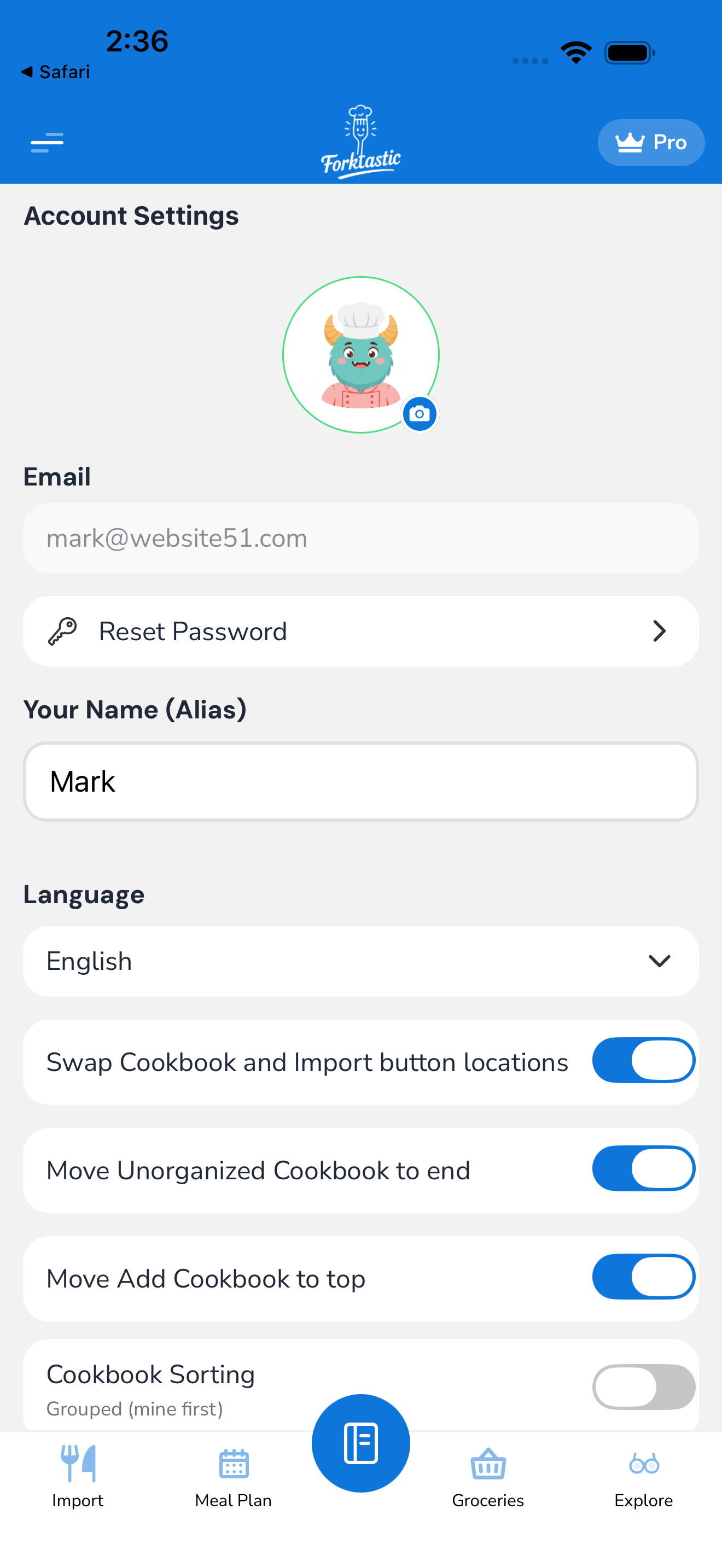
- Open the Options tab (last in the bottom bar).
- Tap Account settings → Apple Health.
- Toggle Log meals to Apple Health on.
- iOS asks for permission to write to Health. Tap Allow for the specific data types Forktastic wants to write:
- Dietary calories
- Protein
- Carbohydrates
- Fat
- Fiber
- You can grant write-only access (Forktastic can write meal data but can’t read your other Health data). That’s the default — Forktastic doesn’t need to read anything.
What gets logged
Every time a meal is marked cooked — either manually (tap Mark cooked in a meal slot) or automatically (when you finish Cook Mode) — Forktastic writes a Health entry with:
- Date and time — the meal slot’s date, set to a sensible default time (breakfast 8am, lunch 12pm, dinner 6:30pm, snack 3pm). You can change defaults in Apple Health settings → Meal times.
- Source — “Forktastic” (visible in Health’s data source list)
- Per-serving nutrition × your scheduled servings
The data shows up in the Apple Health app under Browse → Nutrition.
What doesn’t get logged
- Scheduled but not cooked meals — only cooked meals send to Health
- Snacks outside the meal plan — Forktastic doesn’t track ad-hoc eating; it only logs what’s in your plan
- Micronutrients beyond the 5 listed — Health’s import surface is limited
If you want to log a meal that wasn’t pre-scheduled, add it to the meal plan first (back-date the day if needed), then mark it cooked.
Disable or audit
To stop logging:
- In Forktastic: Options → Apple Health → toggle off.
- In iOS Settings: Settings → Privacy → Health → Forktastic → revoke write permissions.
Either method stops new logs. Historical entries Forktastic already wrote stay in Health unless you delete them manually from the Health app (Browse → Nutrition → individual entries → trash icon).
Privacy notes
- Forktastic writes to your local Health database only. The data does not leave your iPhone.
- Forktastic does not read from Health unless you explicitly grant read permission (not requested by default).
- iCloud sync of Health data is controlled by Apple, not Forktastic.
Troubleshooting
“Log to Apple Health” toggle is grayed out:
- You’re on an iPad without the Health app — Health is iPhone-only (and Apple Watch).
- Health permissions were denied at the OS level. Open Settings → Privacy → Health → Forktastic and re-enable.
Meals not appearing in Health:
- Confirm the meal is marked cooked in Forktastic — scheduled-only meals don’t log.
- Open Health → Browse → Nutrition and check if data source “Forktastic” is listed. If not, the permission isn’t granted; redo step 4 above.
Related
- Assign recipes to slots — schedule meals first
- Weekly nutrition view — see nutrition inside Forktastic
- Settings & account