
Meal planning — overview
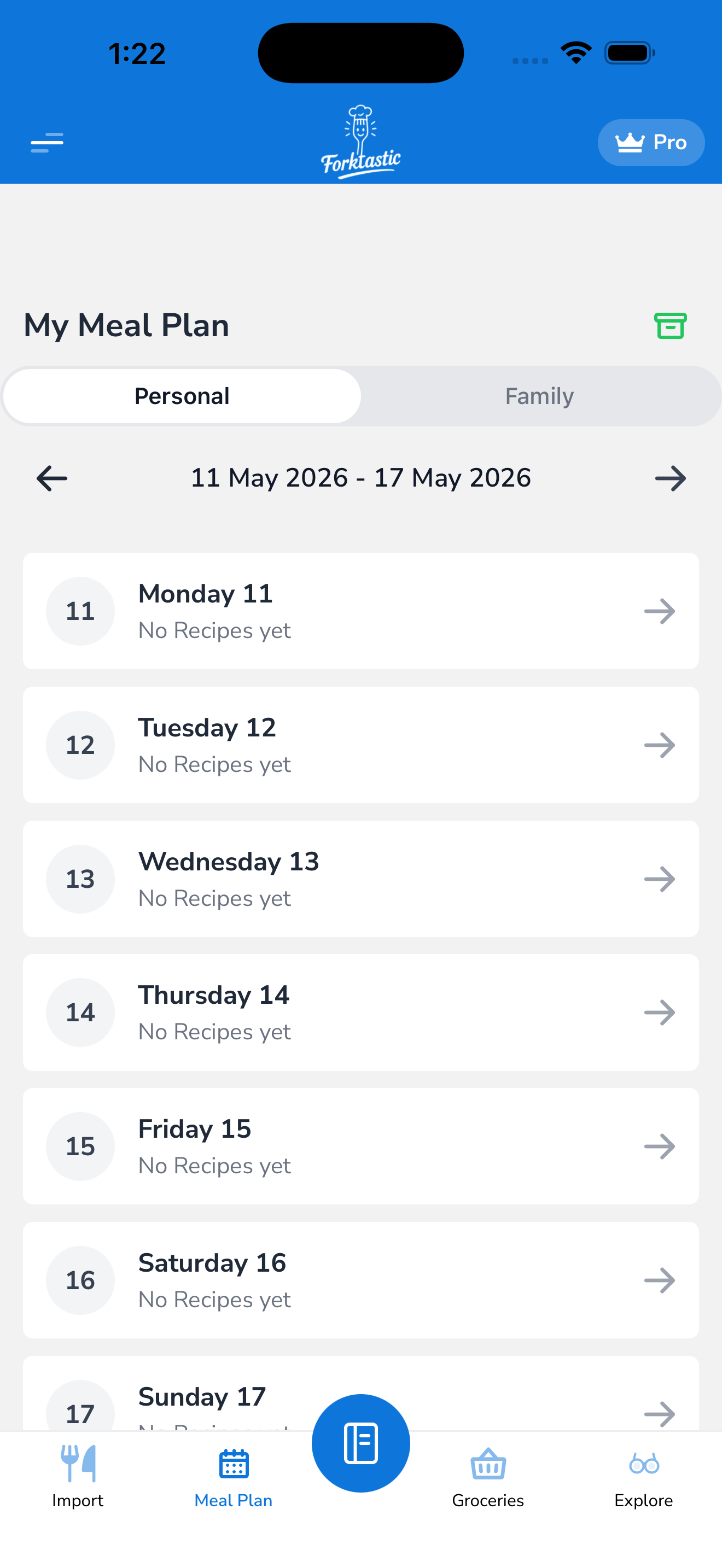
The Meal Plan tab is a weekly calendar where you drag recipes into specific days and meal slots. Forktastic aggregates the nutrition across your week so you can see what you’re actually eating.
Coming in this section
- Open the meal plan — week view vs day view, navigating
- Assign a recipe to a meal slot — from a recipe screen or from the meal plan itself
- Remove a recipe from the meal plan
- View your weekly nutrition — calories, macros, micros aggregated
- Log meals to Apple Health (iOS) — push your meal plan to the Health app
- Auto-generate a grocery list from your meal plan — covered in Grocery list
In the meantime, the Meal Plan tab is the third icon in the bottom bar.