
Adjust servings
Most recipes are written for a specific number of servings (usually 4). Forktastic lets you scale the entire recipe up or down in one tap — the ingredients update with new quantities so you don’t have to do mental math.
This affects only your current view; the original recipe in your cookbook stays at its saved serving count.
How to scale a recipe
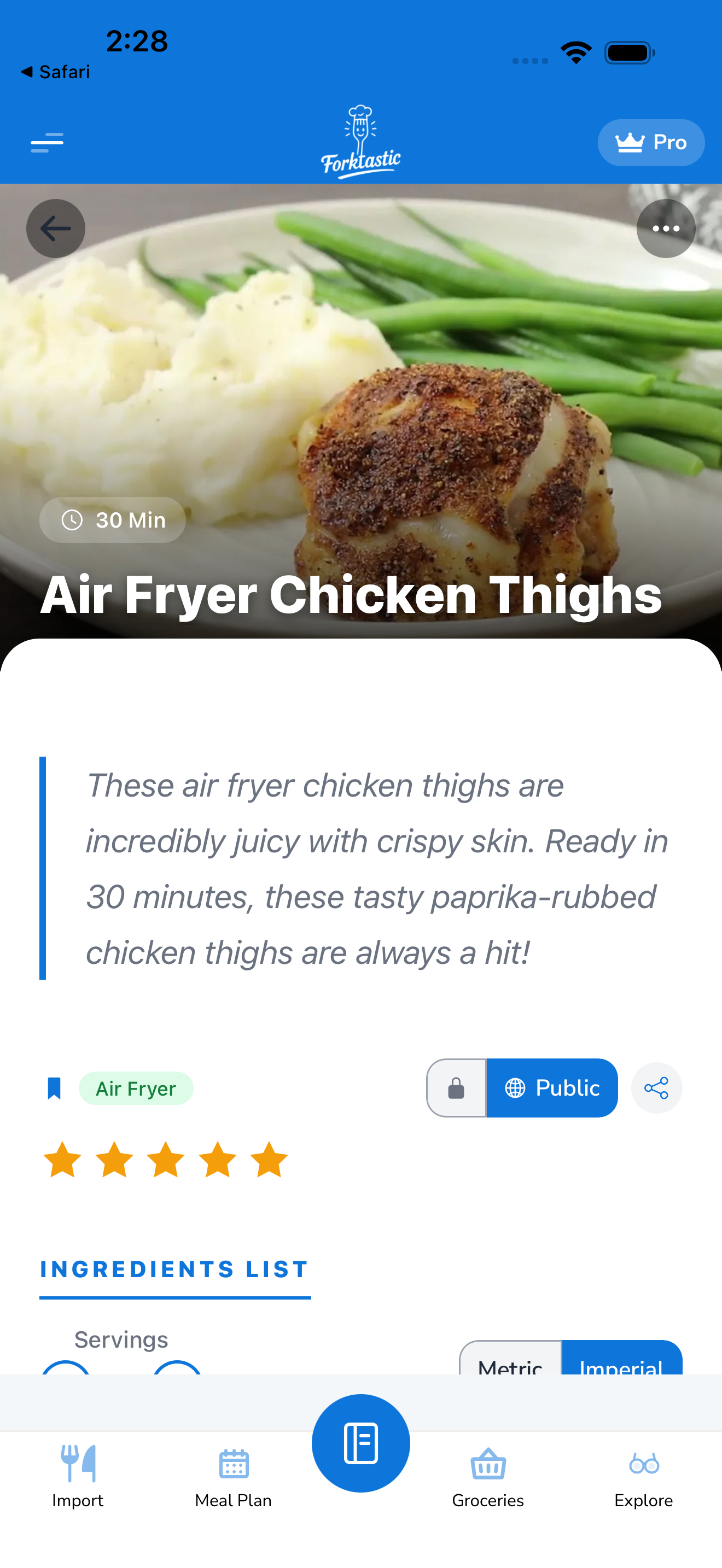
- Open the recipe.
- Find the servings number in the meta strip (usually shows “Serves 4”).
- Use one of two methods:
- Tap the + or − buttons next to the serving count.
- Long-press the serving number and type in an exact value.
- Every ingredient quantity recalculates instantly. A recipe that called for 2 cups flour at 4 servings shows 4 cups at 8 servings, or 1 cup at 2 servings.
What gets scaled
- Ingredient quantities — all of them, with sensible rounding (e.g., “0.33 cups” stays as a fraction)
- Optional: cook time hints. Some recipes have time-per-serving notes; those update too.
What doesn’t get scaled
- Cook time and prep time — these don’t change linearly (a roast doesn’t take twice as long at 8 servings vs 4). Cook times stay as-written.
- Pan size or equipment instructions — Forktastic doesn’t say “use a 9×13” instead of an 8×8” at higher servings; that’s still up to you.
- Step instructions text — “stir in 2 tbsp butter” stays as the original text. Use the Ingredients view as your source of truth for amounts at the current scaling.
Resetting to original
Tap the reset arrow next to the serving count (or long-press → Reset to original). The servings return to the recipe’s saved value and all ingredients reflect that.
Saving a scaled version permanently
If you almost always cook a recipe at a different scale than how it was saved:
- Adjust to your preferred servings.
- Tap More → Save as new version (or Duplicate).
- Give it a different name (e.g., “Pasta — family of 6”).
- Save.
You now have two cookbook entries — the original at the original scale, and your scaled version. See Edit a recipe for full details on the recipe editor.
Related
- View a recipe — the main recipe screen
- Switch between metric and imperial — different from scaling but related
- Write a recipe from scratch — set a default serving count