
Settings & account — overview
The Options tab (the last tab in the bottom bar) is where you control everything about your Forktastic account and how the app behaves for you.
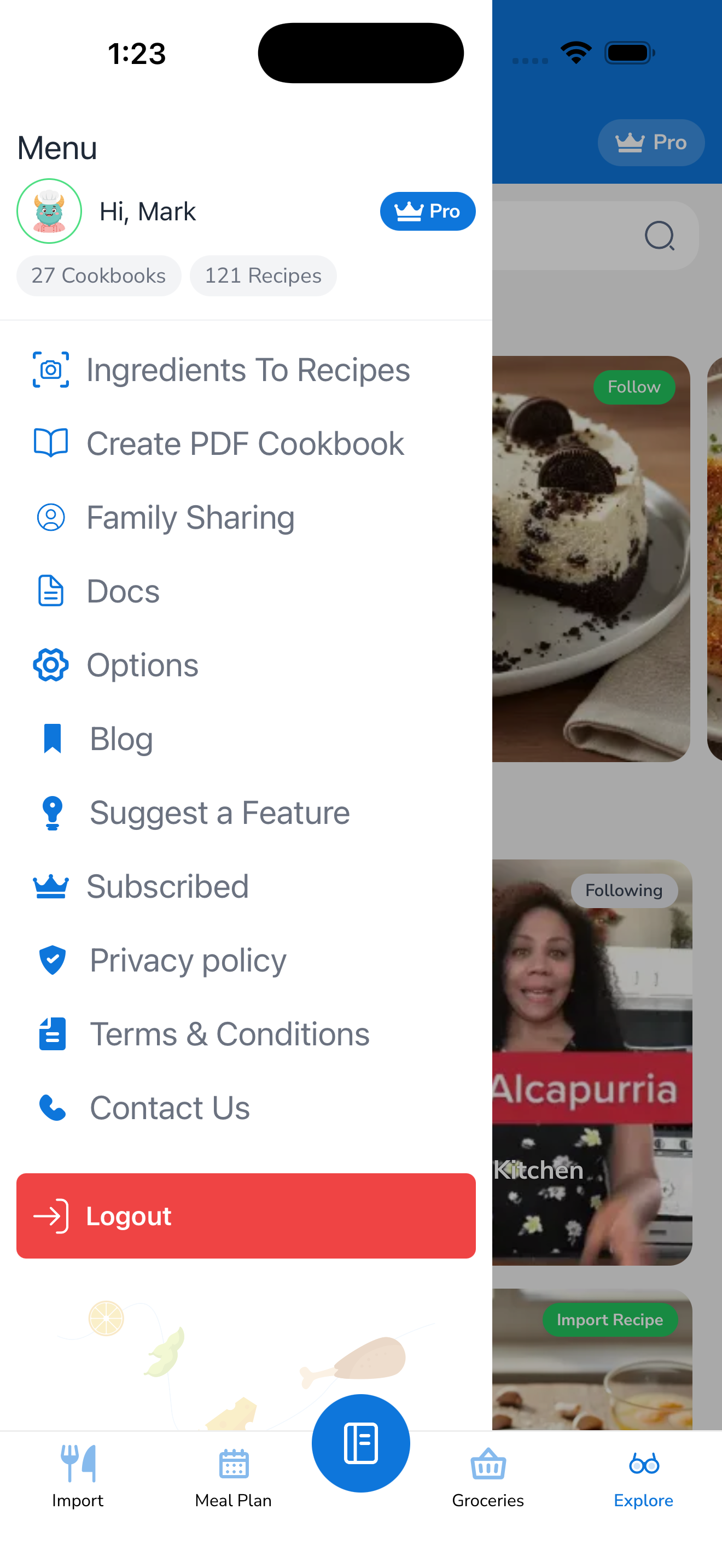
Coming in this section
- Update your profile — name, avatar
- Change your language — English, Español, Português, Français, Deutsch, العربية
- Switch theme — light, dark, or follow system
- Switch units — metric or imperial; ingredient quantities adapt
- Change your password — including adding a password to a social account
- Manage notifications — push notification categories
- Delete your account — what gets deleted, what doesn’t, the 30-day grace period
- Sign out — what happens to your data when you sign out
In the meantime, the Options tab is the rightmost icon in the bottom bar.