
Manage notifications
Forktastic sends notifications for things you’ve signed up to be reminded about. The default is conservative — only sign-in alerts and family-shared content trigger push notifications, with everything else opt-in.
You control which categories of notifications you get, and you can review past notifications in the notification history anytime.
Notification categories
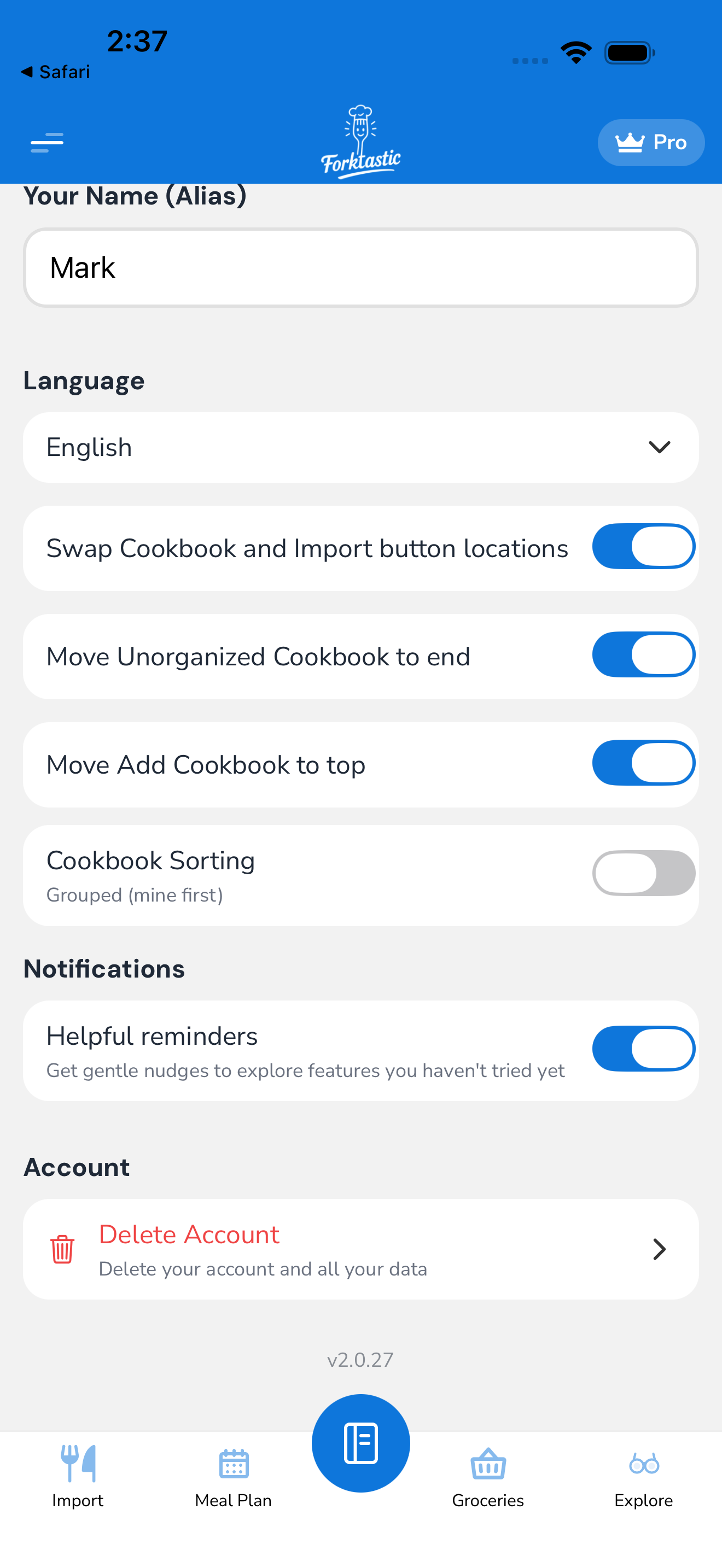
The notification settings are at Options → Account settings → Notifications. Toggles available:
Family activity
- Family member cooked one of my recipes — when a family member completes a recipe you shared. Default: off.
- Family member shared a new cookbook — when someone shares a cookbook with the family. Default: on.
- Family member rated one of my recipes — your rating got reciprocated. Default: off.
- Family invite accepted — when someone you invited joins your family. Default: on.
Recipe and meal plan
- Daily meal plan reminder — a morning notification with what you have planned for that day. Default: off. Time: customizable in the settings (e.g., 7am).
- Cooking time reminder — pings you 30 min before a scheduled meal slot (e.g., dinner at 6:30 = ping at 6:00). Default: off.
- Rate the recipe you just cooked — gentle nudge after Cook Mode finishes. Default: on.
Grocery and shopping
- Daily grocery reminder — if you have items in your list, ping you in the morning. Default: off.
- Instacart status updates — order placed / order received / order completed (if you used Instacart). Default: on but configurable.
Account and security
- Sign-in from a new device — security alert. Default: on and cannot be disabled (security-critical).
- Password changed — alert when your password is changed. Default: on and cannot be disabled.
- Subscription renewed / expired — billing-related notifications. Default: on.
Followed cookbooks
- New recipe from a creator you follow — see Follow a cookbook. Default: on but rate-limited (max one notification per creator per day).
- Weekly digest of follow activity — Sunday morning summary. Default: off.
Discoverability
- Featured recipe of the week — Forktastic-curated weekly pick. Default: off.
- New Forktastic features — when major features ship. Default: off.
Disable everything
If you want to mute Forktastic entirely:
- Options → Account settings → Notifications → All notifications.
- Toggle the master switch off.
Security alerts (sign-in from a new device, password changed) still send via email even when push notifications are off — you can’t disable security alerts entirely, but you can choose to receive them via email only by turning off the push side.
OS-level permission
Above all this, your OS-level notification permission for Forktastic must be enabled. If you denied notifications at install time:
- iOS Settings → Notifications → Forktastic → Allow Notifications: on.
- Android Settings → Apps → Forktastic → Notifications → Allow.
Without OS permission, Forktastic-level toggles don’t do anything — the OS just blocks every push.
Notification history
Push notifications often get swiped away or hidden in the notification center. Forktastic keeps a history:
- Open the Options tab.
- Tap Notification history.
- List of every notification ever sent, sorted newest first.
Each entry shows the title, body, timestamp, and tap target (which recipe / family event / setting it linked to). Tap any to navigate to the underlying content.
Notification history is per-account, synced across devices.
Email notifications
Some notifications also have an email variant — security alerts, billing receipts, password resets. These are sent regardless of push notification status, to the account email.
Marketing emails (new features, weekly digests) are off by default and can be toggled in Options → Account settings → Notifications → Email preferences.
Quiet hours
Set time-of-day blocks where push notifications are suppressed:
- Options → Account settings → Notifications → Quiet hours.
- Set start and end (e.g., 10pm to 7am).
- During quiet hours, notifications are still received but they don’t make sound or vibration. They sit in your notification history; you’ll see them when you check.
Security alerts ignore quiet hours (they always break through; security-critical).