
Import a recipe from a photo
If your recipe lives on paper — a printed card, a magazine page, a cookbook spread, a sticky note on the fridge — you can capture it with your camera (or a screenshot in your library) and Forktastic’s OCR + AI will read the text and turn it into a structured recipe.
This is also the fastest way to digitize a stack of family recipes you’ve been meaning to scan.
Step by step
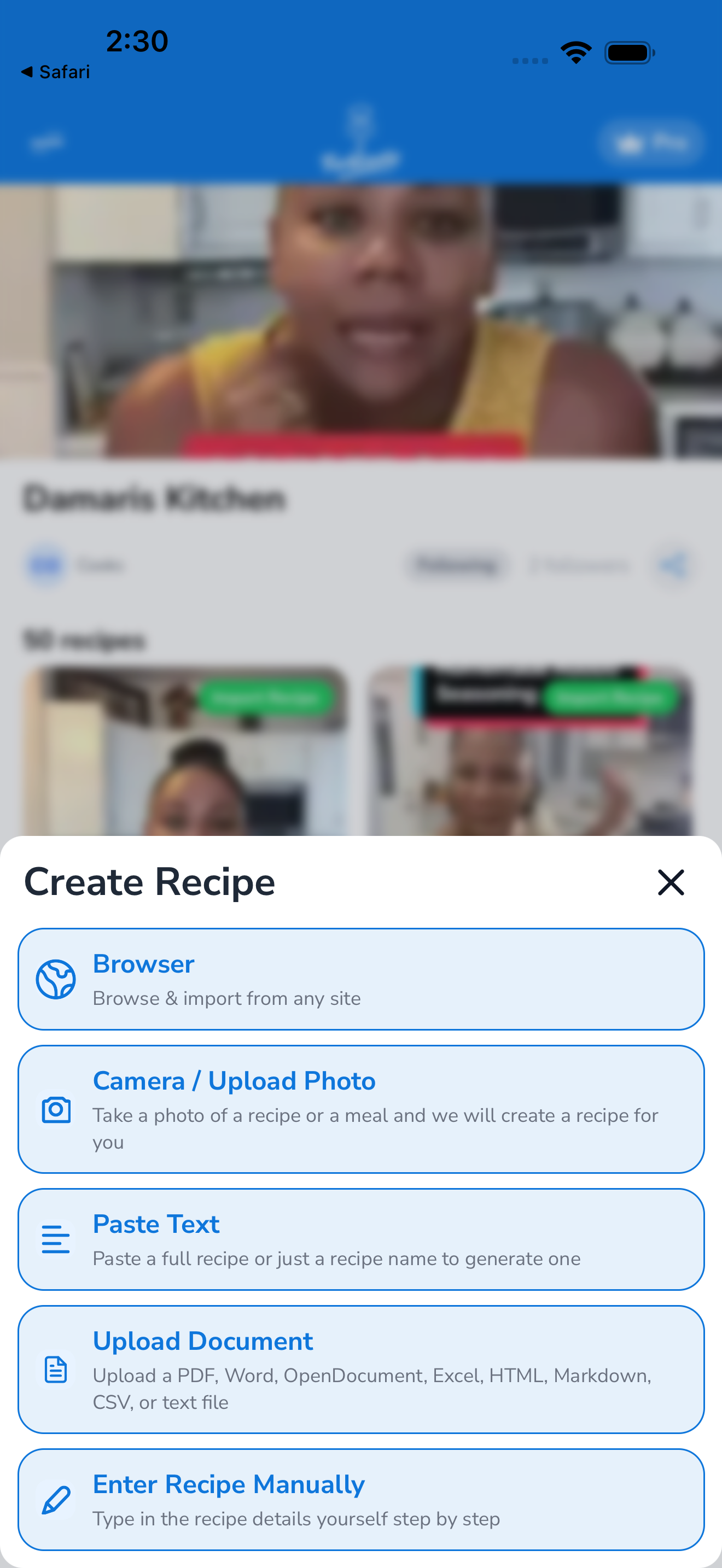
- Tap the Import tab.
- Tap From a photo (or Scan a recipe — the label depends on app version).
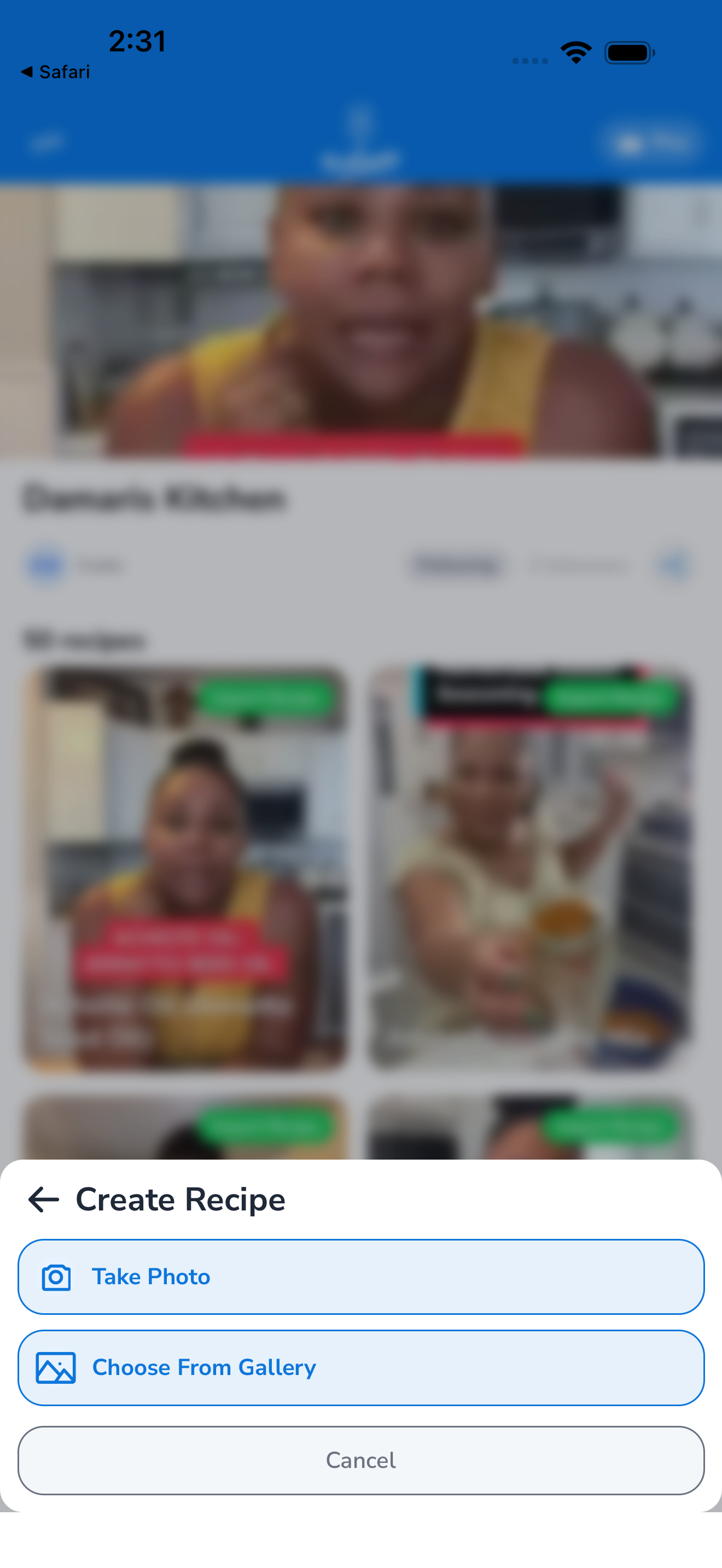
- Choose a source:
- Camera — open the camera to snap a photo right now
- Photo Library — pick an existing image from your camera roll
- If using the camera: frame the recipe so the full text is readable. Hold the phone steady, ideally with good lighting. Tap the shutter button. You can retake if the result is blurry.
- If using the library: browse your photos and tap the one with the recipe. You can crop before continuing.
- Tap Import. Forktastic uploads the image and runs OCR + recipe extraction. This takes 10–20 seconds, longer than URL import because it has to read the image first.
- Review the extracted recipe. Photo extraction is more error-prone than URL — look closely at quantities, units, and instruction steps. Edit anything wrong.
- Choose a cookbook, tap Save.
Multi-page recipes
If your recipe spans multiple pages (a magazine spread, a long cookbook page that needs more than one photo), you can capture multiple images:
- Tap From a photo and select Multiple photos at the source picker.
- Snap or pick each page in order.
- Tap Import all. Forktastic stitches the text together before running extraction.
Getting the best results
OCR works best when:
- Lighting is even. Avoid hard shadows from your hand or overhead lights.
- The page is flat. Curved cookbook spines distort text; flatten the page or photograph each half separately.
- The whole recipe is in frame. If ingredients are on the left and instructions on the right, capture both — don’t crop too tight.
- The text is in focus. Tap the screen to focus on the text before snapping.
- The font is legible. Cursive handwriting is sometimes misread; printed type works better.
If a recipe doesn’t extract well, you can also try Import from text — type or paste the ingredients yourself, and the AI will structure them.
What about handwritten recipes?
OCR handles printed text reliably and handwritten text variably. Block letters work well. Cursive is hit-or-miss. If you’re digitizing a grandma’s recipe card, expect to spend a minute fixing the extraction.
Free tier limit
Photo imports count against your free 5-recipe quota. See Free vs Pro.
Related
- Photo Match — a different feature: identifying ingredients (not recipes) from food photos
- Import from text — when OCR isn’t cooperating
- Edit a recipe — fix OCR mistakes after saving