
Write a recipe from scratch
If you have a recipe in your head, on a napkin, or in your memory of how grandma did it, you can enter it directly in Forktastic. Type the ingredients, type the instructions, optionally generate a cover image with AI, save.
This is the long-form alternative to importing from text. Use this when you want to create a brand-new recipe (your own invention or family heirloom) rather than transcribing one from elsewhere.
Step by step
-
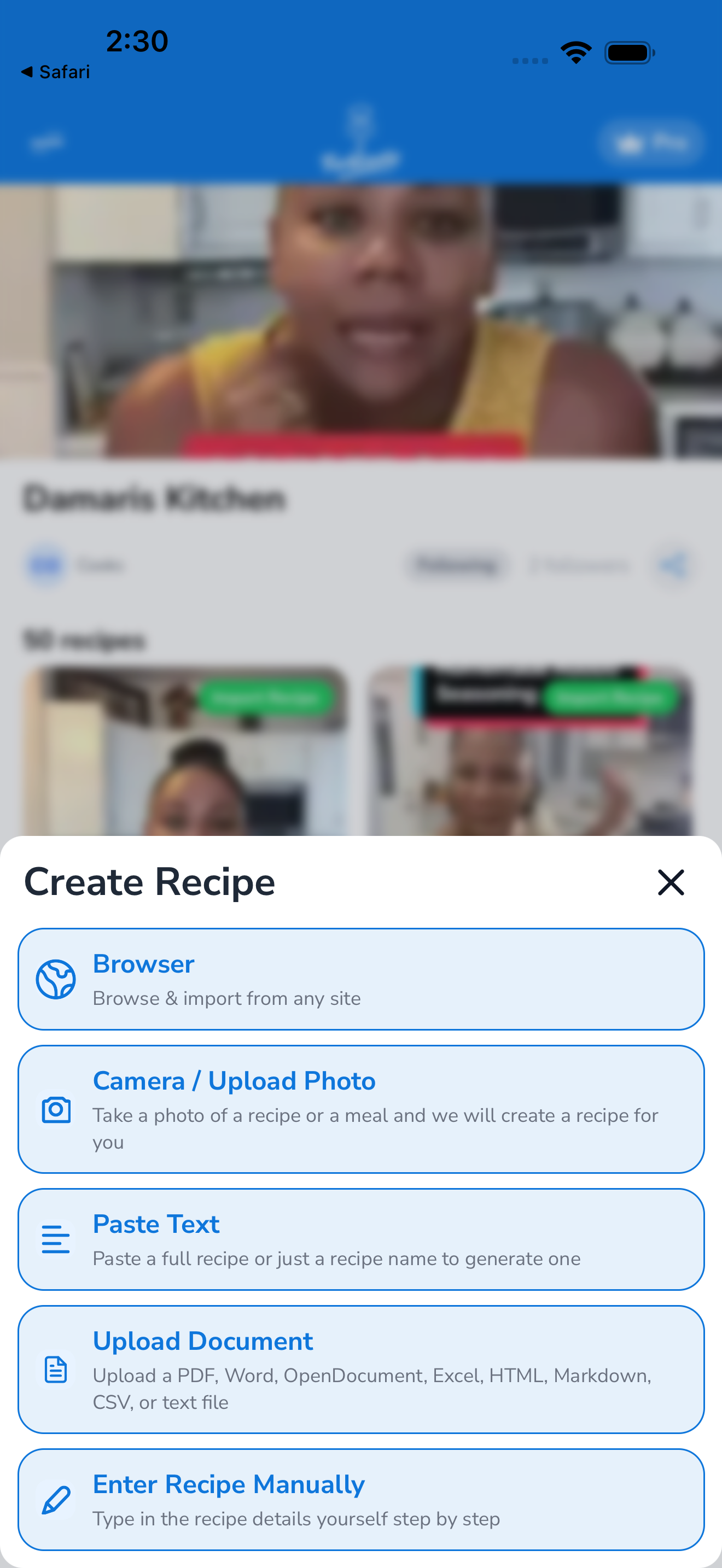
Open the Import tab (or tap the + button in your cookbook).
-
Tap Write from scratch (or New recipe).
-
Fill in the recipe:
- Title — the recipe name (required)
- Servings — default 4; tap to change
- Prep time and cook time — in minutes
- Cover image — tap the image slot to add one (see below for AI generation)
- Ingredients — tap + Add ingredient for each. Format: quantity, unit, ingredient name (e.g., “2 cups flour”). The AI parses your free-text entry into structured parts.
- Instructions — tap + Add step for each numbered step. Type the instruction text.
- Categories — tap to assign one or more (e.g., “Dinner”, “Vegetarian”, “Italian”)
- Cookbook — pick which cookbook to save into (default is Unorganized)
- Notes — optional personal notes, private to you
-
Tap Save.
The recipe lands in your cookbook immediately, fully synced across devices.
Cover image options
You have three ways to add a cover image:
Option 1 — Upload from camera or library:
- Tap the image slot → Take photo or Choose from library.
- Crop and confirm.
Option 2 — Use AI image generation (Pro):
- Tap the image slot → Generate with AI.
- Forktastic generates an image based on your recipe title and ingredients.
- Tap Use this image or Regenerate for a different attempt.
AI image generation is a Pro feature and uses Forktastic’s API credits. There’s no per-generation cost to you, but generation is rate-limited per day to keep things reasonable.
Option 3 — No image:
- Skip the image slot. Forktastic uses a default placeholder. You can add an image later by editing the recipe.
Nutrition
Forktastic calculates nutrition automatically from your ingredient list. As long as your ingredients have recognizable quantities and units, the nutrition panel populates on save.
If an ingredient is unrecognized (you wrote “a handful of basil” instead of “1/4 cup basil”), it’s excluded from the nutrition calculation. The recipe still saves; you’ll just see a small note that some ingredients weren’t parsed.
To verify nutrition before saving, tap Calculate nutrition preview in the editor — Forktastic shows what it’ll compute.
Saving as a draft
Not done yet? Tap Save as draft instead of Save. The draft stays in your cookbook with a yellow “Draft” badge and isn’t included in family sharing or search until you finish it.
To finish a draft: open it, tap Edit, complete what’s missing, and tap Save.
Related
- View a recipe — what the saved recipe looks like
- Import from text — if you have raw recipe text to paste
- Adjust servings — set the right default